
Task in. Pull request out.
Vroni is an AI developer that works inside your GitHub repositories. It does not chat with you about code. It takes a task, does the work, and gives you a pull request to review.
Free to sign up, no card needed. One free hour of Vroni time is on us.
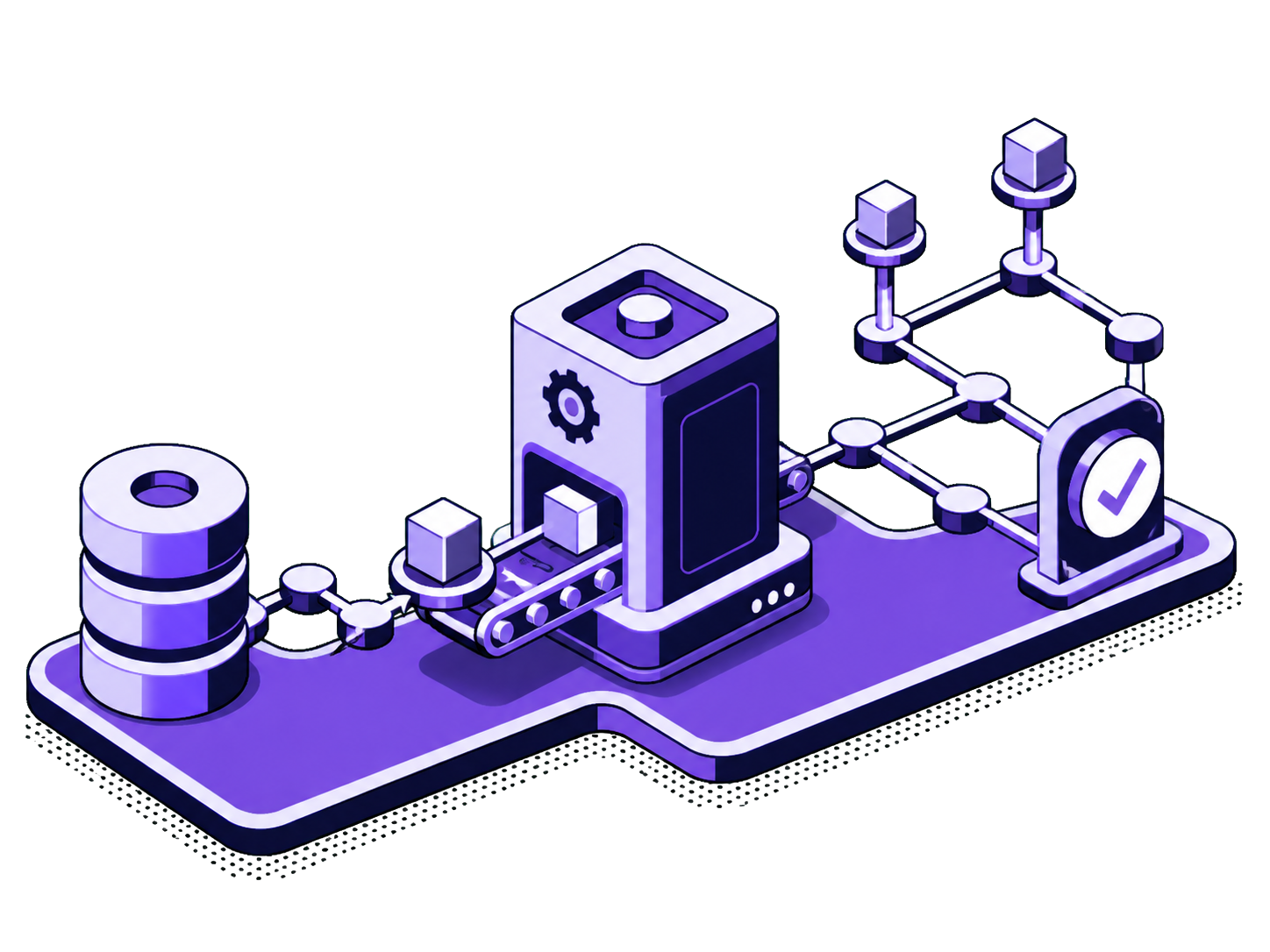
From task to pull request.
- 1
Connect a repository
Install the Vroni GitHub App on the repositories you choose. Access is per repository, and you can take it away again in GitHub at any time. Vroni reads the code and picks up the conventions your project already uses.
- 2
Give it a task
Write down what should change, in plain words. Tasks can come from the Vroni dashboard, from a GitHub issue, or from the API. Vroni plans the change, writes the code, runs the checks your project already has, and fixes what fails. Each task runs in its own clean environment that is thrown away afterwards.
- 3
Review the pull request
Vroni opens a pull request on its own branch, with a summary of what it did. You review it the way you would review anyone's work. If something is off, ask for changes and Vroni takes another pass on the same task. When you are happy, you merge.

You keep the judgment. Vroni does the typing.
Vroni is a tool you run yourself. You decide what it works on, you review what comes back, and you decide what gets merged.
You own
- Deciding what gets built and in what order
- Giving Vroni access and the context it needs
- Reviewing, asking for changes, and merging
- Deploying and running your product
Vroni does
- Reads the codebase and plans each task
- Writes the change and runs your checks
- Fixes failures and tries again within the task
- Opens a pull request on its own branch
Vroni never
- Merges, deploys, or pushes to your main branch
- Touches repositories you have not connected
- Charges you for time spent waiting in the queue
Start with something small and well described.
Vroni does its best work when the task is clear: what should change, where, and how you will know it is done. Your free hour is enough to find out how it handles your codebase.
- A bug you can describe with steps to reproduce it
- A small feature with a clear definition of done
- Tests for a part of the code that has none
- A refactor you keep putting off, like splitting a long class
- A dependency or framework upgrade with a known target version
- Documentation for a module only one person understands
Questions people ask first.
What counts as a minute?
Time while Vroni is actively reading, planning, writing code, or running checks for your task. Time spent waiting in the queue, or waiting for you, is not billed.
Which repositories can Vroni work on?
GitHub repositories you connect through the Vroni GitHub App. You choose the repositories when you install the app and can change or revoke access in GitHub at any time.
What happens to my code?
Each task runs in an isolated environment that is discarded afterwards. The result goes to a branch in your repository as a pull request. Your code stays yours. The privacy policy says what we store and for how long.
Can I ask for changes?
Yes. Request changes on the pull request or in Vroni, and it takes another pass on the same task with your feedback.
Does Vroni ever merge on its own?
No. Vroni only opens pull requests on separate branches. Merging, deploying, and pushing to your main branch stay with you.
What if Vroni gets stuck?
It says so in the pull request or the task log instead of pretending. You can add context and let it try again, or take the branch and finish it yourself. Only the minutes it actually worked are billed.
Try it on one small task.
Create an account, connect a repository, and give Vroni something small. The first hour is free, and there is no card to enter.