
Assistant
Ask the built-in assistant about your repositories, tasks, runs, and credits in plain language.
The assistant is a chat inside the Vroni app. Ask a question about your account, like “Why did my last run fail?”, and it looks up the answer for you. It works within your current team and only sees what you’re allowed to see.
It doesn’t write code. Code changes happen in tasks; see How Vroni works. Use the assistant as a quick way to find things in the app and figure out what happened.
Ask a question
- Choose Assistant at the top of the app, or open the Assistant page.
- Type your question and send it.
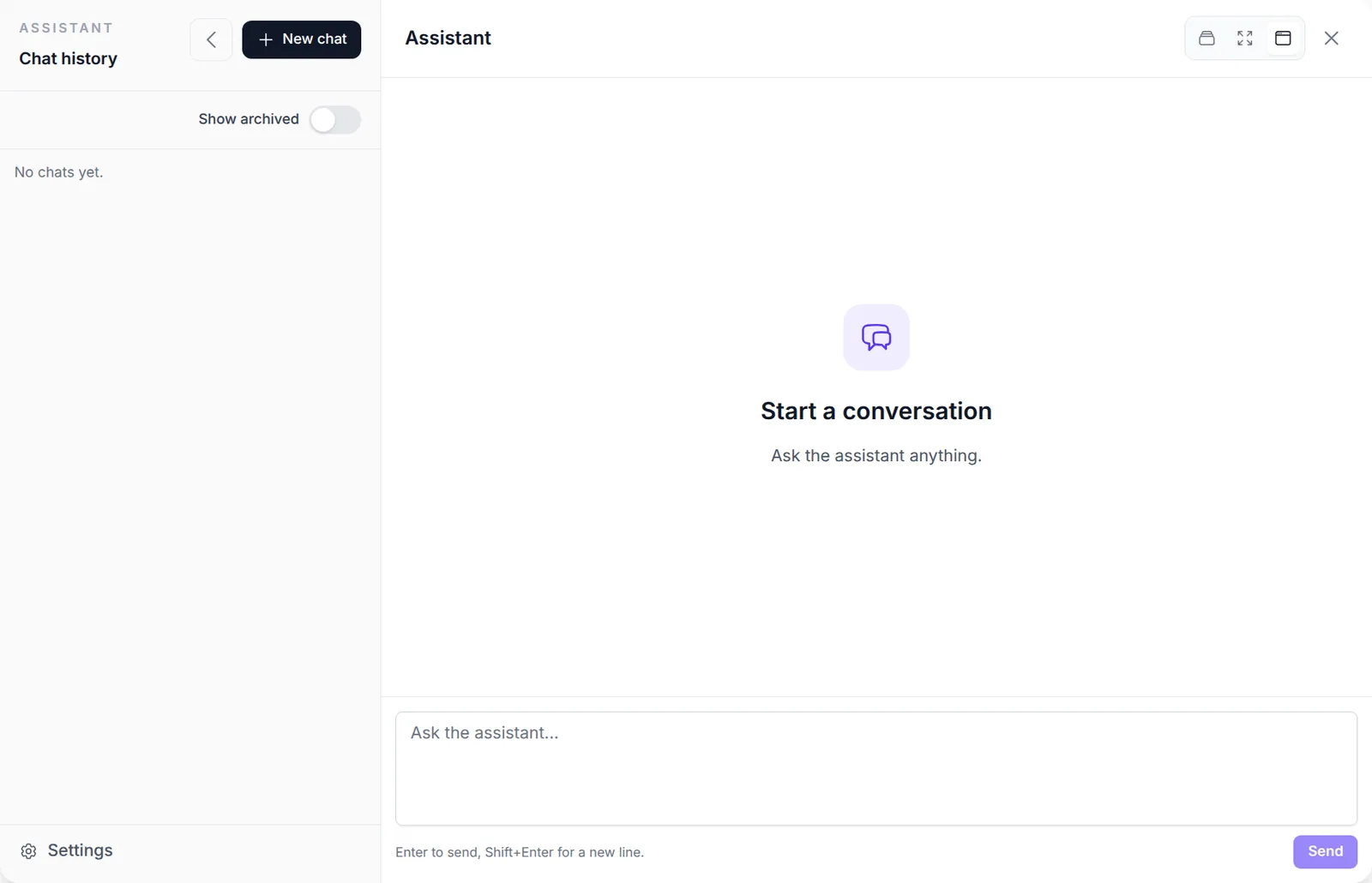
Here are a few questions it handles well:
- “Why did my last run fail?”
- “Is the pull request for the CSV export ready?”
- “Which of my repositories are ready for tasks?”
- “How many credits do we have left, and how fast are we using them?”
- “How do I turn on Slack notifications?”
What it can see
To answer your questions, the assistant checks your account. It can look up the status of your repositories, tasks, runs, and pull requests, along with your credit use and support requests. It also knows these docs. When it can’t find an answer, it tells you and points you to the right page.
It can’t read your source code or the diff of a pull request. For a failed run, it reads the run’s timeline instead. To look at the code itself, open the pull request on GitHub.
When it acts for you
If your team allows it, the assistant can also take action for you, such as canceling a run or merging a pull request. Before doing anything that spends credits or can’t be undone, like starting work or merging, it asks you to confirm in a card. Some actions can be undone for a few minutes; when that’s the case, the card shows Undo.
The assistant follows the same permissions as the rest of the app. If your role doesn’t allow an action, the assistant can’t do it for you either. You can check the roles in Team and account.
What it costs
The assistant runs on AI models and draws credits from your team’s balance based on how much work a question takes. Small amounts add up and are charged in whole credits, so a single short question often won’t change your balance right away. If your team doesn’t have enough credits, the assistant lets you know and won’t answer. See Pricing and credits for how credits work.
Your chats
Your chats are saved for you and the team you asked in, so you can return to earlier conversations. You can rename or delete them at any time.
Last updated November 25, 2026. Something missing or unclear? Write to [email protected].